This is the type of situation i can’t understand…one message tellsme to go slow while the other tells me the session was increased in load. Does it happen to other? What do you do in this case?
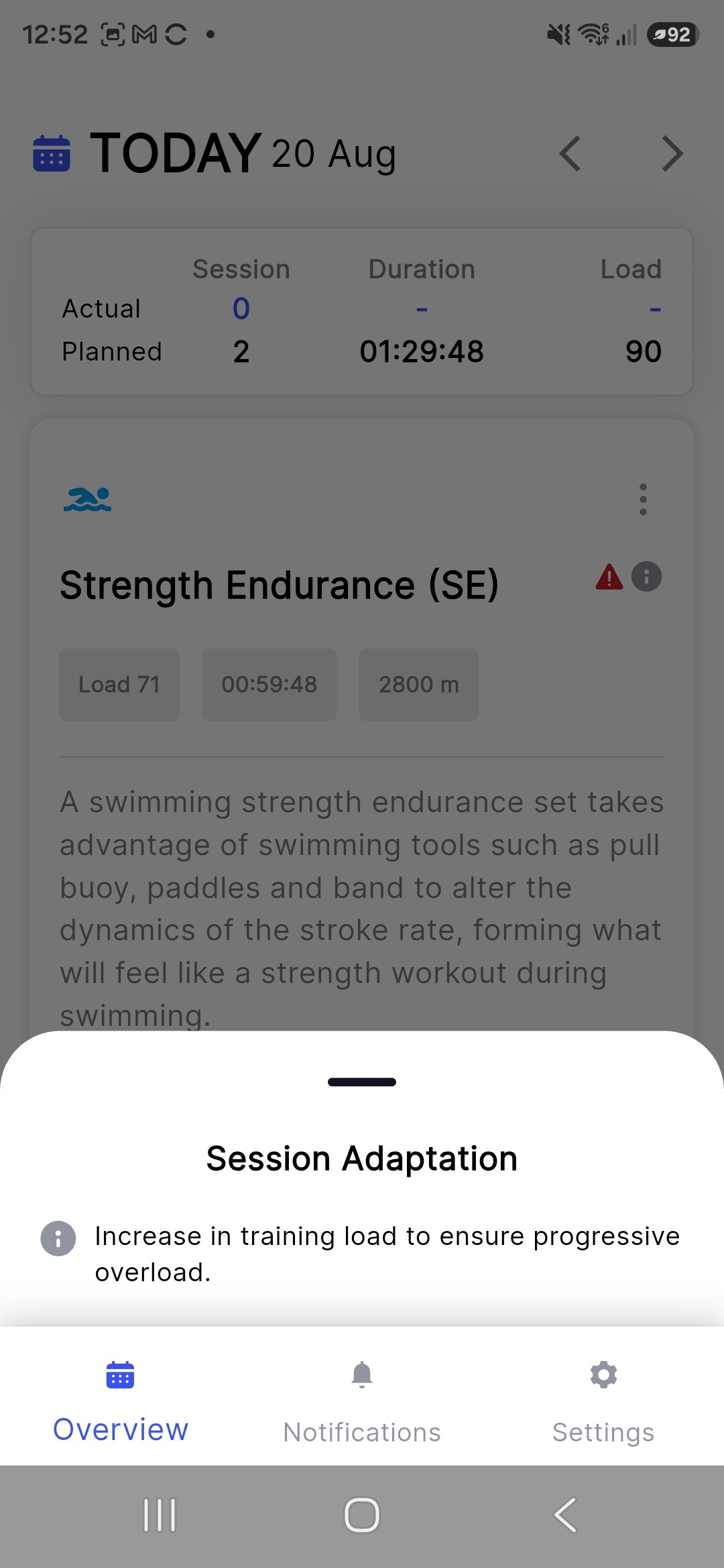
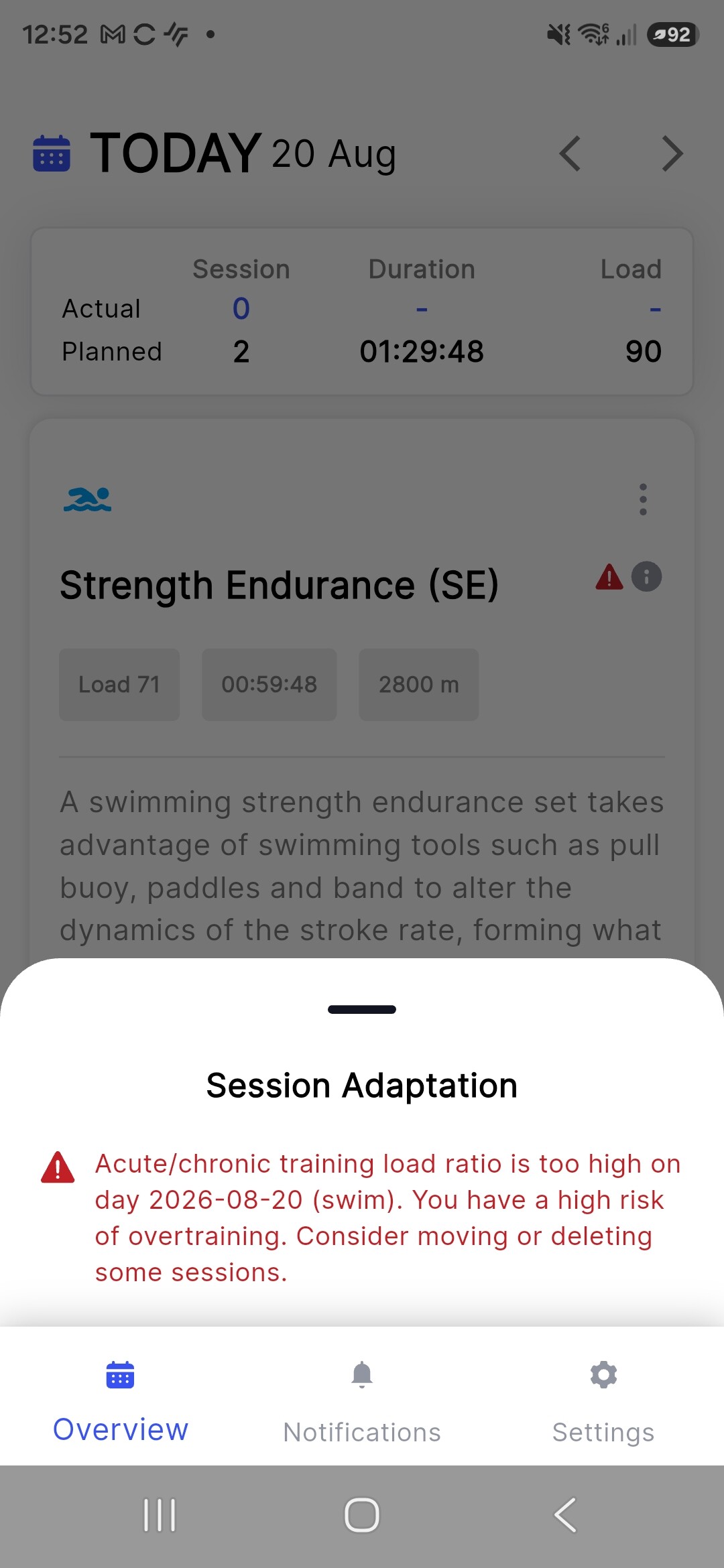
It’s a triathlon plan related message on mobile app, which we are going to discontinue because the confusion it creates.
What it essentially means is that the you have done a big workout in one discipline and the overtraining warning is flagging your fatigue very high. On another sport you may have not executed the planned load and it is flagging it. You may want to ask yourself how you are feeling, are you handling the overall load and ready for next session, or do you need more recovery? If feeling great; proceed as planned
2 Likes
It’s a pity you are going to discontinue mobile app. I use it very often, I would say 80% mobile, 15% web, 5% pc.
Mobile is veeeeeery simple to use, open sessions, see the activity, move sessions, read execution, see graph and it is very fast.
The web app on my phone is always a little bit confusion. I need every time to adeguate the zoom because it doesn’t fit to the screen. The calendar view is far worse than the one on mobile. Over there you have a clear view of your week while in mobile i need to scroll and zoom a lot to understand how it is composed my week. And don’t talk about of when you want see how is structured your session…it opens new window that you should scroll and zoom again.
When i move on web app I think my click is doubled then when I see things on mobile.
So actually I use every day mobile to see sessions and in case use WW. 3, 4 times a week I see web to check my potential curves and recovery.
Are you discontinuing the mobile app or discontinuing the messages? Also hoping the app isn’t going away - while there are quite a few times I go to the web on phone instead for data, the user interface for editing and viewing the week/workouts is much better in the app.
(post deleted by author)