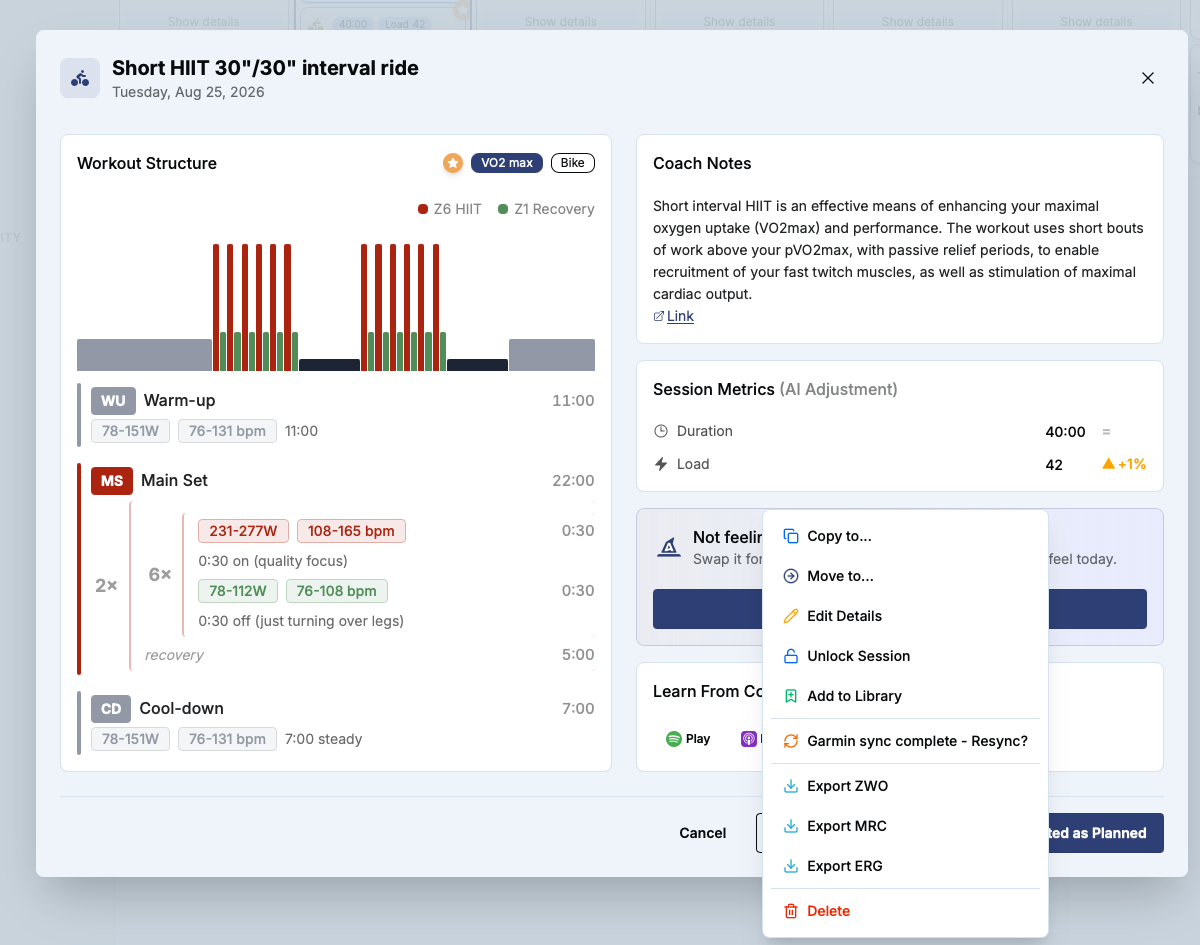
Here is a screenshot of one of my scheduled cycling workouts. In the screenshot the ‘More’ menu is expanded to see all the options we have. I thought I used to be able to import a .fit activity to directly link/map it to a scheduled workout. Now I don’t see the import/‘add data’ button. Am I going crazy?
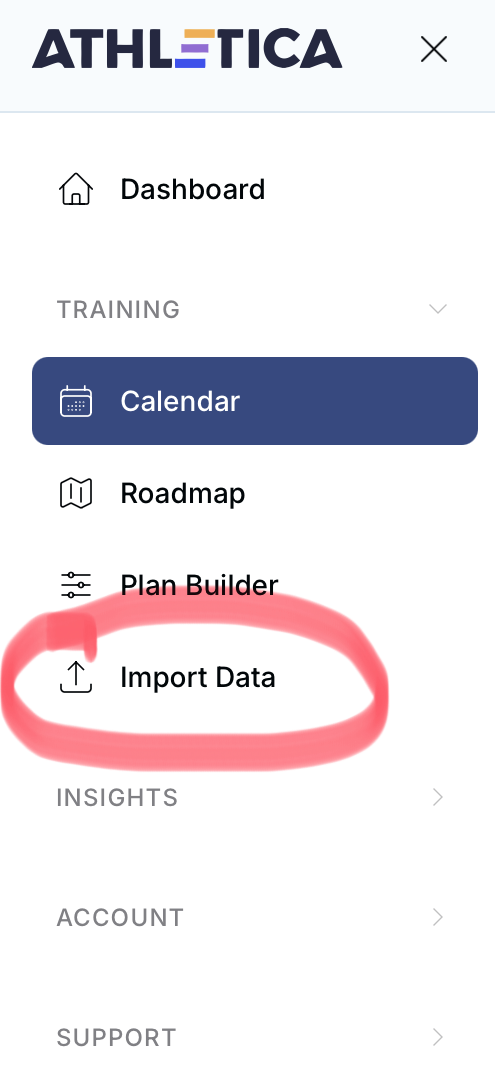
Import is off main side bar menu. It will automatically match to workout if no other activities imported for that day already.
2 Likes
Thanks so much for taking the time to respond. What you said actually worked!! Two things I’ll mention in case useful to Athletica.ai to make the software / interface better:
1.) I thought I used to be able to open a scheduled workout and directly import to that workout (which to me, as a user, makes the most sense)
2.) I actually did try to import the .fit file first but I used the ‘Add’ button on the website which I guess creates a new activity session whereas the ‘Import Data’ option you pointed out somehow looks for and links to a scheduled workout. That’s a little confusing in the sense that as an end user, I did try to ‘add’ my data but that import didn’t link it to a workout. Perhaps it should give you a prompt like ‘we detected a potential matching scheduled workout? Do you want to link this data?’
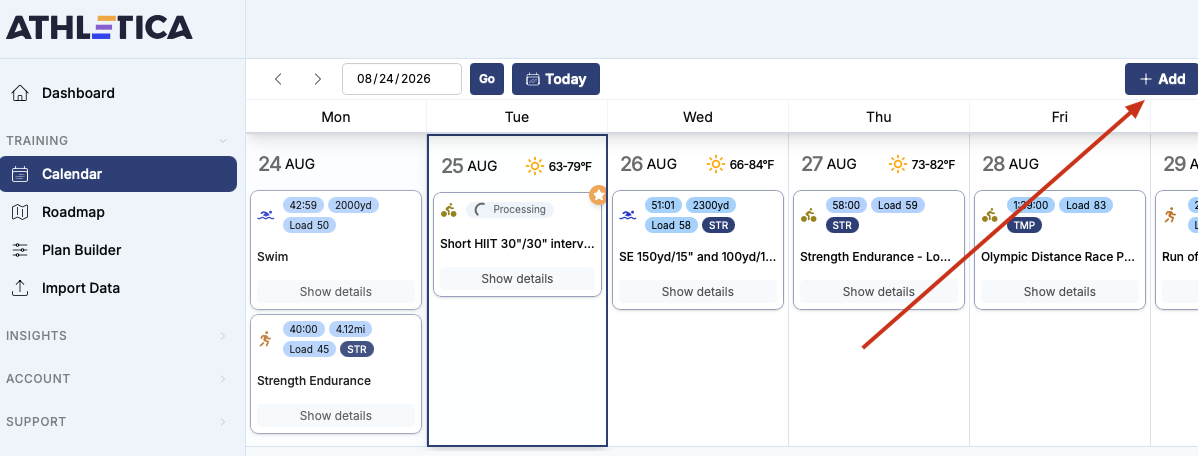
Now it’s currently stuck on ‘Processing’ but hopefully it will resolve soon.
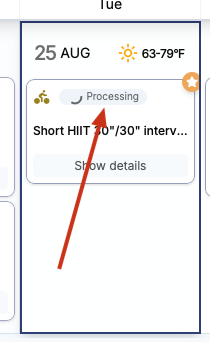
Thank again!!!
I click the “Completed as Planned” button, which leads to a screen where you can upload a fit file specifically to the workout.
1 Like
Thanks Robert. Another trick I didn’t know. Much appreciated!
1 Like
Hey there @Tahl
there are many ways you can add a fit file.
- Import Data - best to import large zip files when you want to import more historical data.
- Completed as planned as @Robert suggests
- Open your workout - hit Edit session - scroll down to Activity information - upload your activity data.
- Calendar - Add- Add from file.
Happy training
MJ