Hey everyone, we have a lot of new athletes joining Athletica, so here’s a quick guide on where to go when you get stuck.
A lot of you are using the Athletica Coach Chat, which is great. We’re continuously improving and updating it. But we’ve also heard that some athletes are spending a lot of their Athletica Coach tokens troubleshooting technical issues or asking how to use different parts of the platform.
Save those tokens for the coaching questions.
For platform, account, device, and troubleshooting questions, use our Support Bot instead.
You can find it under:
Support → Contact → Chat with Us
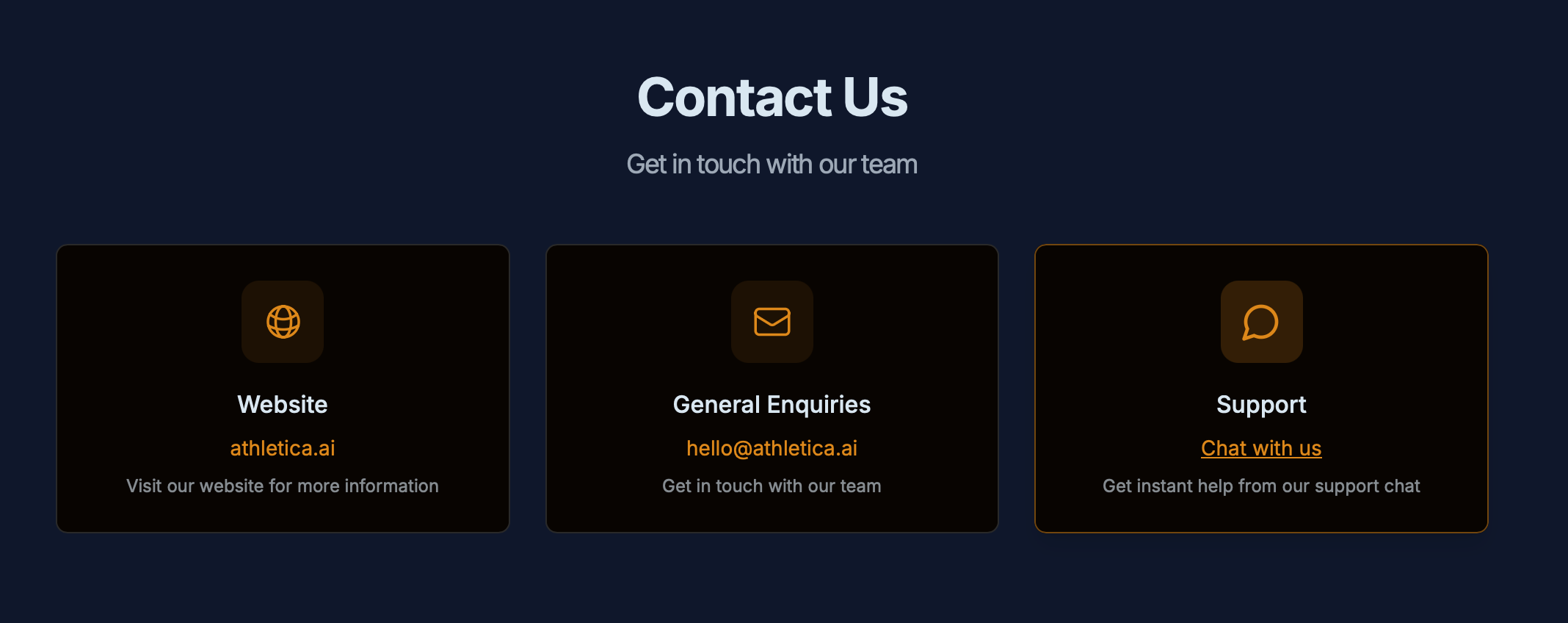
Starting a conversation
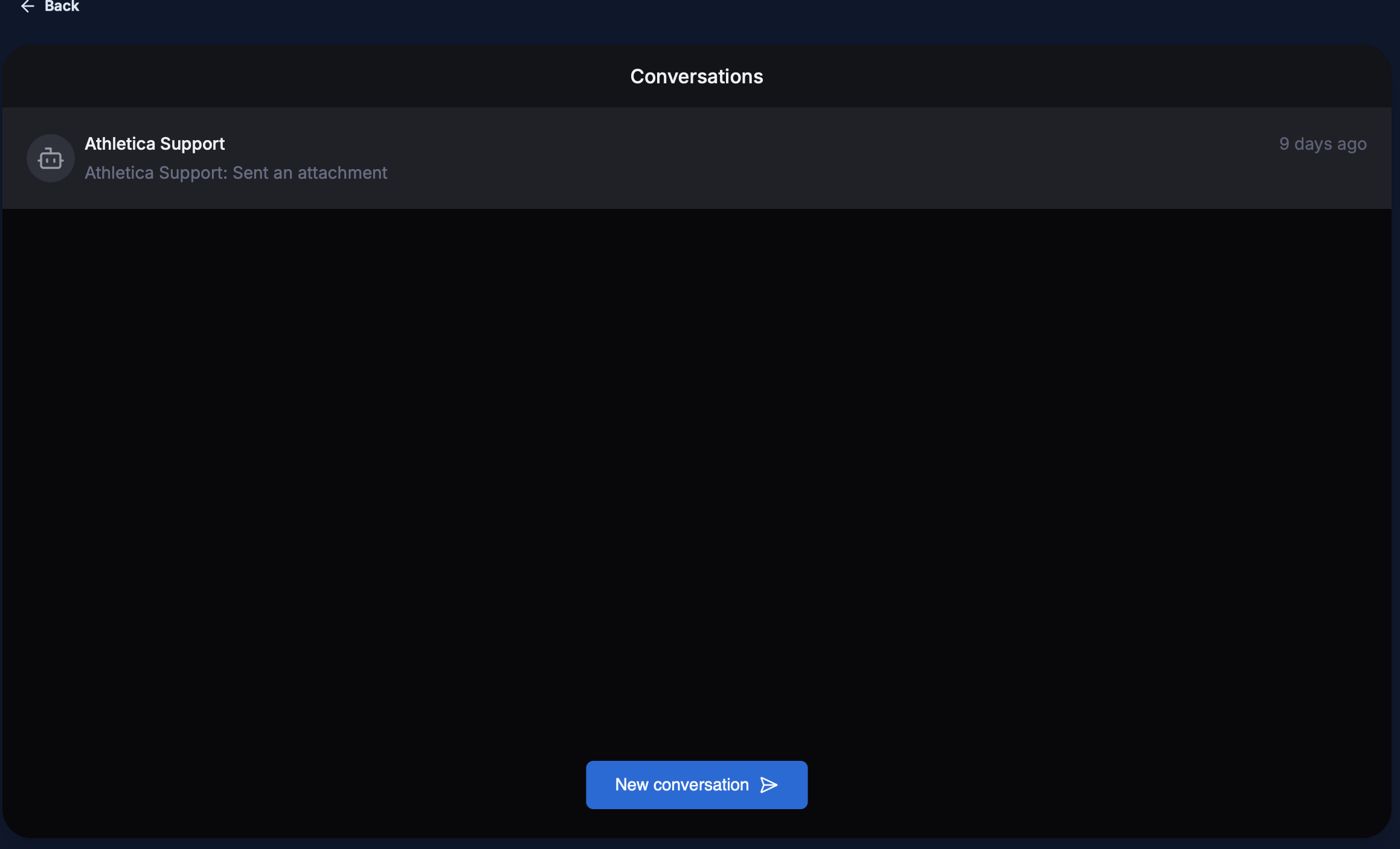
Hit New Conversation when you have a new question or issue. You can return to the same screen later to review your previous conversations.
The Support Bot can help with questions such as:
- How do I upload a
.fitfile? - How do I find or complete a test session?
- How do I edit my thresholds?
- Can I enter lab-tested thresholds?
- How do I pair/sync or swap workouts?
- How do HYROX brick sessions pair with planned ones?
- How do I import historical data?
- Why isn’t my Garmin/Strava/other device connection working?
- Why are my Strava session names starting with Athletica?
- How do I add a mid-week race?
- How do I print a workout?
- How do I use the web app on my phone?
- How do I clear my cache?
- I’m having trouble logging in.
- How do subscriptions and pricing work?
- How do I manage an Apple App Store or Google Play subscription?
- How do I change the language/translate Athletica?
- Questions about Velocity accounts or other account settings.
Help the bot help you
The more specific you are, the faster you’ll usually get to the answer.
Instead of writing:
“My workout isn’t syncing.”
Try:
“My cycling workout isn’t syncing to my Garmin Edge 840. I’m using Athletica on the web app in Chrome on a Mac. Garmin is connected under my integrations, but today’s workout hasn’t appeared on the device. Yesterday’s workout synced correctly.”
For technical problems, include:
- What you’re trying to do
- What happened instead
- Whether you’re using the web app or mobile app

- Your phone/computer and operating system when relevant
- Your browser if you’re using the web app
- The device or service involved, e.g. Garmin, Strava, Wahoo, Apple, Google Play
- Any error message you’re seeing
- What you’ve already tried
- A screenshot, when it helps explain the problem

One issue per conversation also makes troubleshooting much easier.
We read every conversation and jump in when needed.
A simple rule of thumb: training/coaching question → AI Coach. Athletica platform, account, device, subscription, or “how do I…?” question → Support Bot.
That gets you answers faster — and keeps your AI Coach tokens where they belong: helping you train.
Please note, you can still email us at support@athletica.ai too. We will not answer to forum posts if they require any support - use the bot or email and we will be happy to help you out.
Happy training,
Marjaana