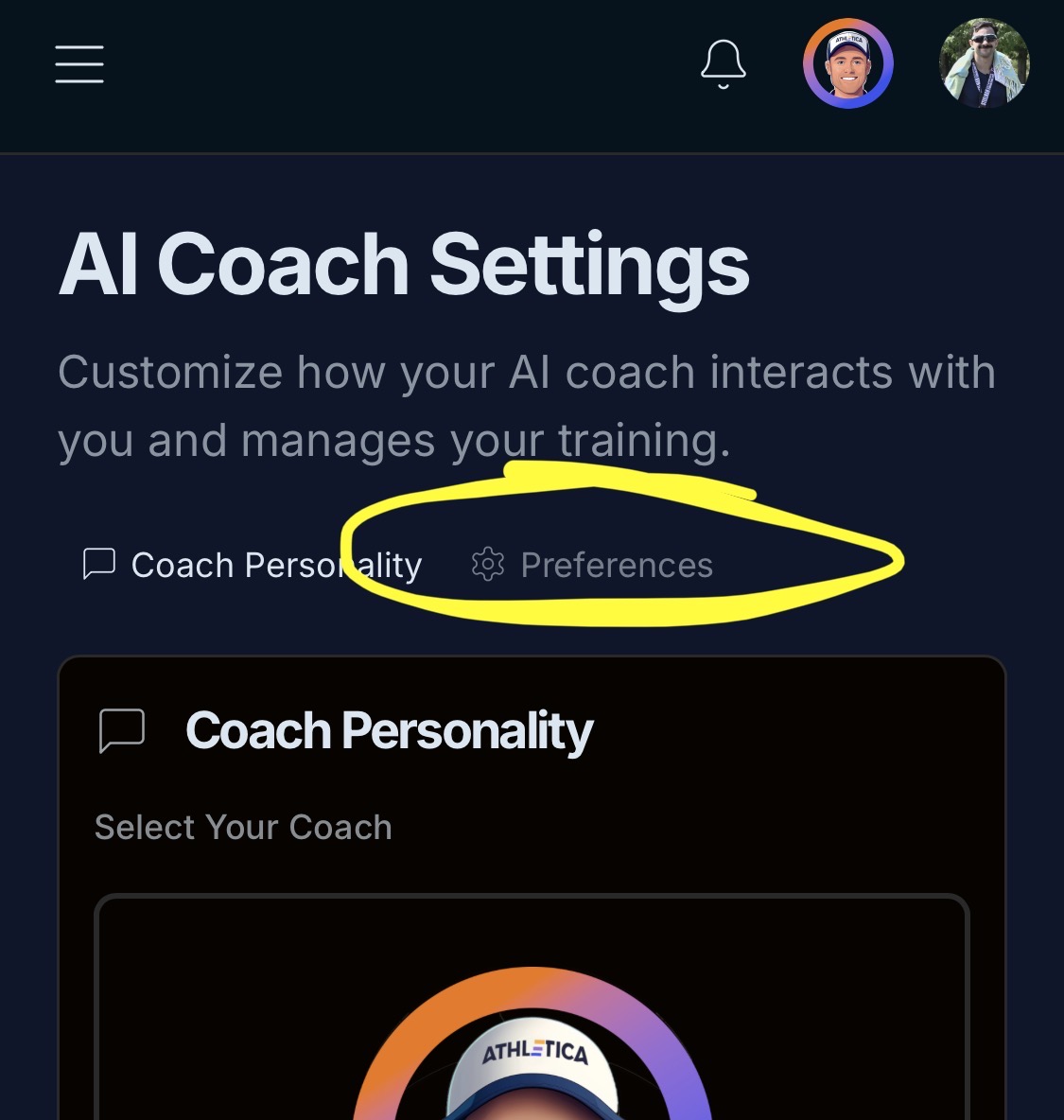
In Plan Builder the AI coach sits over the top of the next button making it hard to tap. This is on an iPad. Be good to either move the ai coach avatar, or hide it on the plan builder screens.
1 Like
You can choose to have ai coach avatar at top menu bar….
Perfect. Tried dragging it to little effect.