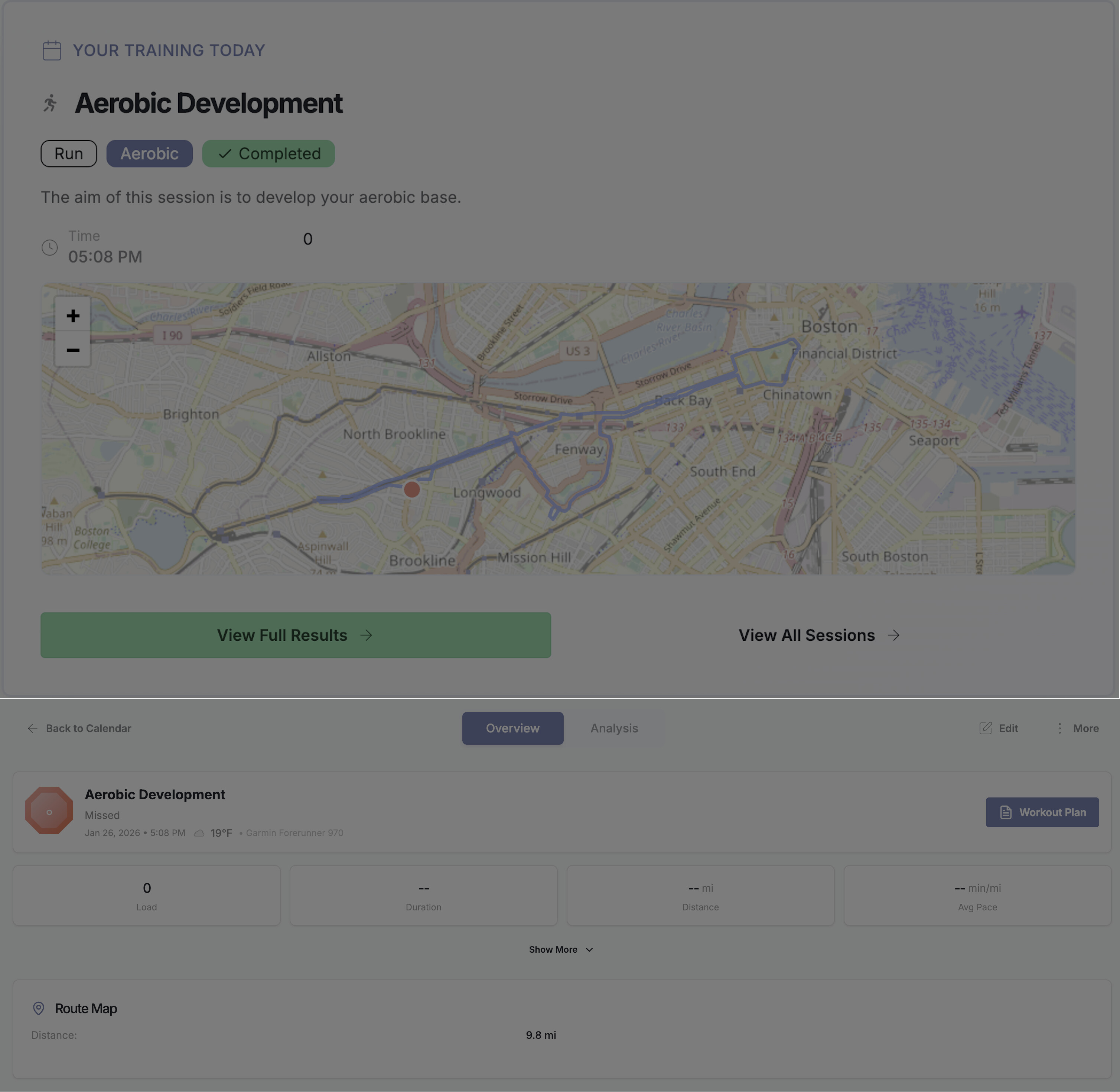
Honestly, I feel it’s ridiculous I have to manually download my .fit files from Zwift and add them to my workouts anyway, but since the update, I can’t even do that. I hope this problem can be fixed ASAP.
1 Like
Please report this to support so I can take care of this appropriately. Email support@athletica.ai with any error messages or screenshots.
Thank you
Marjaana
1 Like
Same here - there seems to be an Issue with some sources of .fit files all of a sudden.
Did already report it to support….
Anyone experiencing any issues with the new UI:
- please note that as we roll out this new UI for thousands of athletes, some performance issues and slowness is expected
- any issues to be reported via support@athletica.ai for quick resolution and personal follow up
- some issues are browser related blips, clearing cache, refreshing browser can help. Try another browser. If problems persists after you’ve done those self help items. Please do not hesitate to report.
- Please have patience - we are working as fast as we can

- We appreciate all issues reported at appropriate channels (support) as it helps us to improve for all.
Appreciate all of you!
MJ
Same here - today’s run did not get synced for whatever reason. Tried to manually upload it thereafter - no luck. Tried different *.fit files from Garmin, Strava and Runalyze. No luck with any of them:
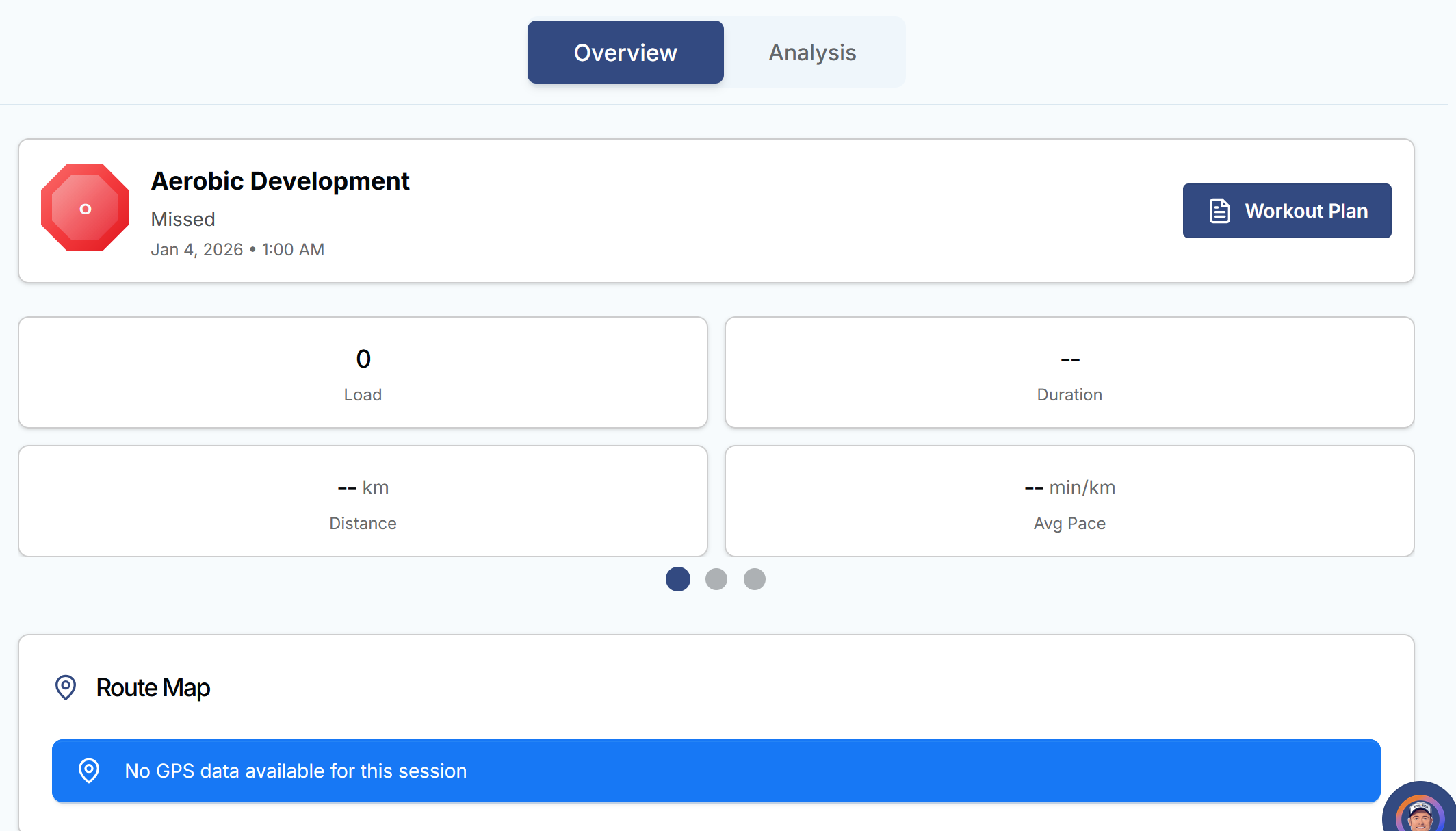
Will contact support as per MJ’s suggestion.
1 Like
Same here. Run didnt sync and adding .fit didnt work either.. Wrote to support 
Other than that, really enjoying the update so far. The new UI is great and chatting with the agent has been a cool experience so far!
1 Like
We’re currently rolling out a major update across Athletica, and we’re aware of several known issues affecting workout syncing, data uploads, calendar status, and plan generation. What you’re seeing matches patterns we’re actively monitoring.
Our team is reviewing incoming reports and working through fixes as quickly as possible. During this phase, some instability and slower performance are unfortunately expected.
We appreciate you taking the time to flag this and will follow up once we have a meaningful update or resolution.
Thanks for bearing with us while we stabilize and improve the system.
2 Likes
Count me in for the same issue. Question: how will you guys follow up…threads here? Update emails?
It’d be helpful to see a log of both what has been and what is being addressed so that: 1) we can help bug test this if we’re seeing similar but different issues and 2) so we don’t pester you guys if it’s something that’s on the current “fixing” list.
I suspect I’m not the only user that’d like to ride out the coming bumps in a manner that can also be helpful to the team.
1 Like
Hey @slim
We’re currently rolling out a major platform update, and our team is aware of several known issuesthat some athletes are experiencing, including:
- Workout data not loading or sessions marked as missed
- Sync and manual FIT upload inconsistencies
- Calendar and plan generation delays
- Slower performance in parts of the app
Our team is actively monitoring the system and working through fixes as a priority. Some instability is expected during this phase, but nothing is being ignored.
We appreciate your patience and will follow up if we need more information or once there’s a meaningful update.
Thanks for bearing with us,
Athletica Support Team
3 Likes
Interestingly, the first .fit file that I created this thread about (Saturday) magically synced hours later, but since then, the run from my garmin which usually auto syncs didn’t (Sunday) and the .fit file I uploaded from zwift (Monday) didn’t either. It is a weird feeling to be paying to beta test a new user interface…
1 Like
I’m still being affected by this and would appreciate an update as this issue makes Athletica unusable for me right now.
To clarify, I don’t see the “Add Data” option at all on any of my scheduled workouts. That menu option simply doesn’t exist so this is not a browser issue (but I tested with two different web browsers just in case, and that option doesn’t exist for either of them).
Over the weekend I was able to use the more general “Import Data” option to upload my (gzip’ed) .fit file and that worked, the file was correctly associated with the scheduled workout. But I tried that for a session I did yesterday (Monday) and the import appears to have done nothing at all, and I also didn’t receive an email telling me that the upload had completed.
Also, I can’t see any way to add RPE feedback to the workout that I successfully uploaded over the weekend. Presumably the means to provide that feedback has been lost with the “Add Data” option?
I’ll send this same info to Support now, but I’m mentioning it here because it’s not clear to me whether it’s expected that the “Add Data” option is entirely missing, and other people might be equally confused. Initially I assumed that this was intentional and that some other approach (such as “Import Data”) now had to be used to upload a .fit file, but since Import Data appears to not work now and since I haven’t found any other way to upload a file then I assume this “Add Data” should still exist.
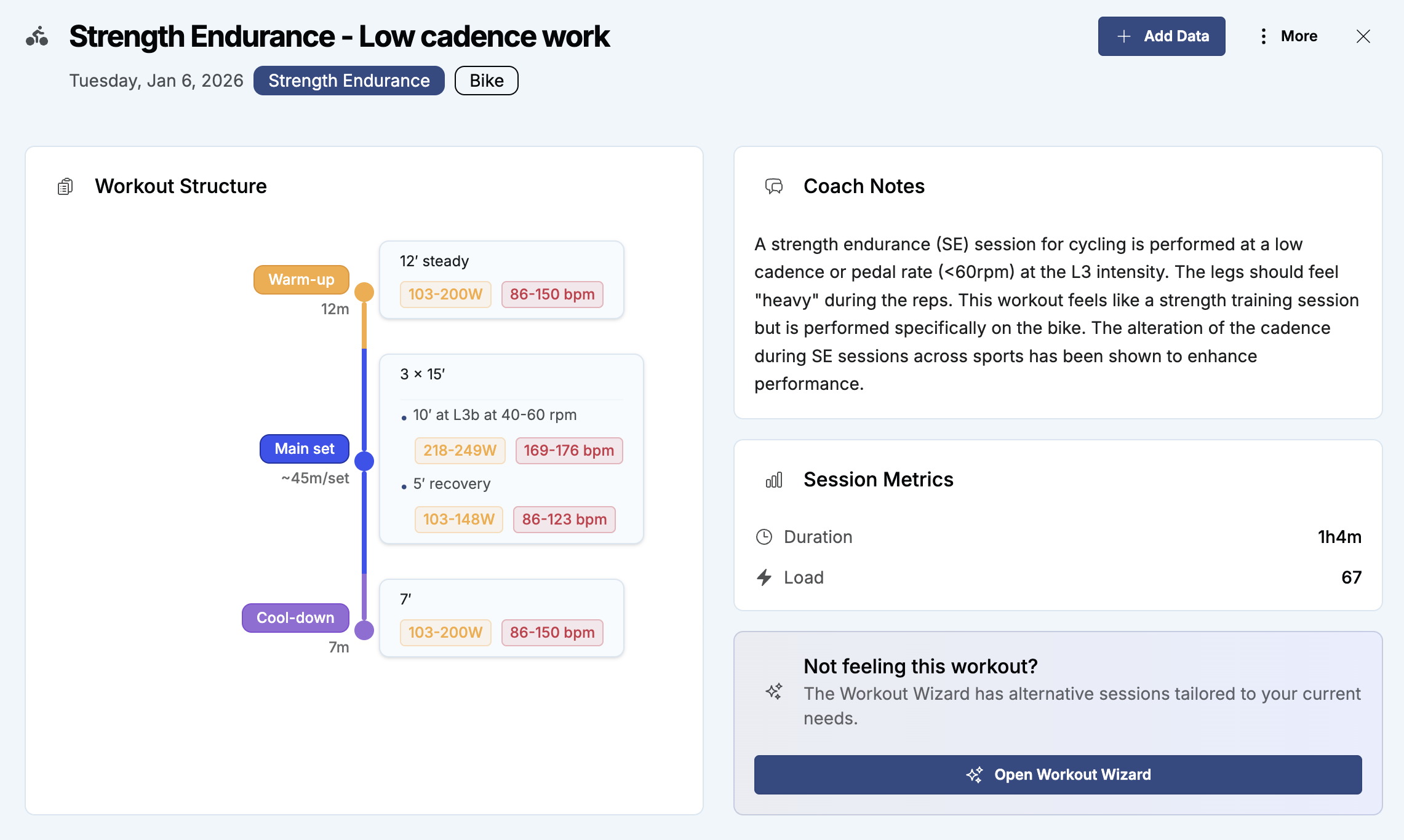
When I click on a scheduled workout in calendar view, a pop up appears with a detailed graphic description of the workout. At top right is a button for adding data - is that missing for you? Uploading data still seems a bit hit and miss at the moment - some workout data files upload fairly quickly, but others seem to take many hours. But the situation does seem to be improving.
I am also experiencing this bug, 2 workouts this morning and neither synced from my Garmin.
I hope this gets resolved soon
Gah! I thought I had tried everything (single/double clicking on a workout, selecting ‘show details’, changing to week/month view, etc.), and never saw a window like you show there. I spent another few minutes at it just now and finally realised that clicking on the name of the workout brings up that window. (And I only discovered that accidentally, after trying to click every available are within the box showing the workout).
Thank you for sharing that screenshot, I needed something concrete like that to convince me that the “Add Data” option still existed.
And a suggestion for Athletica: for me this change to the UI was entirely non-intuitive, so please make this information available somewhere. I had checked your support docs previously but found nothing to tell me that the actual name of a workout is now clickable text. Previously I always clicked on “…” in the top corner of the workout box and “Add Data” was one of the options presented directly there, so this new procedure is a significant change from before.
2 Likes
Apologies for a late reply here.
Our team is aware of many of our athletes experiencing delays with workouts not being synced from their devices, manually uploaded .fit files not seemingly uploading, workouts partially coming through and many other issues that are basic core functions for all of us.
Our team has been working tiredlessly to restore the health of our systems after overwhelming response and unexpected traffic to our new UI.
As of Wednesday evening here, things are improving. You may still experience delays in workouts uploading and odd training planning results. What we ask is for you to stay patience as we issue fixes. We understand you want your workouts in your calendar and training planning to work, and that is our number one priority.
Trying to upload or reconnect your devices will not help, and can create duplicates. What we suggest is to hang tight; do your training, let connections be, and wait for us to get back to you.
We are overwhelmed by the positive response and appreciate your patience.
Thank you! 
MJ
1 Like
So what is the deal with this? Since the update, when I attach a .fit file to the workout, the workout still shows up as “missed.” Instead I have to go and download the .zip file (of the tiny .fit…) and upload it in the general upload screen for it to sometimes work hours later. I’m going to be honest, this is a huge pain in the ass and something I hope gets fixed.
@hhhippo Please help us help you by contacting the appropriate support channel at support@athletica.ai.
With the volume of feedback coming in, it’s not possible for us to track and support individual cases across multiple channels. As noted several times in the forum, if you need individual help, email support so we can respond promptly and properly track your ticket.