Hello there,
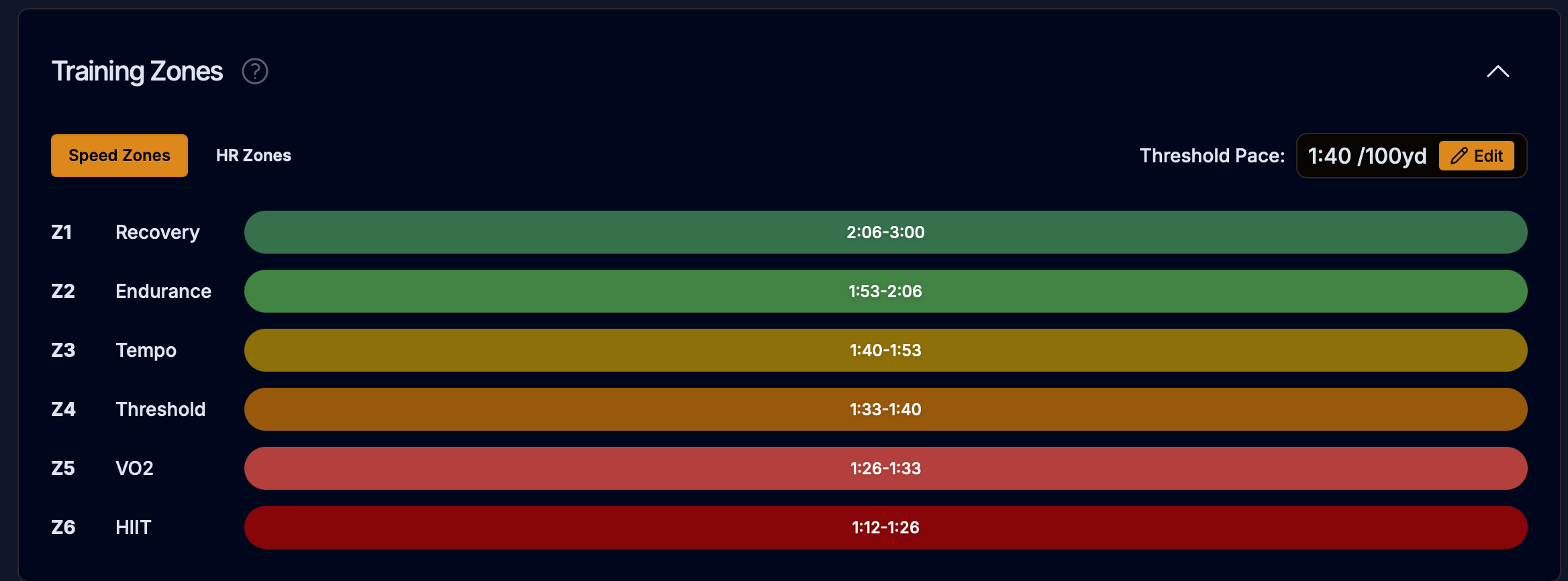
I need help to fix my planned swimming speed. My threshold speed in the Profiles & Zones shows a 2:37/100m what is lower than my actual speed but it’s okay. However, in the current plan I have the kick warmups with the 1:58-1:46 /100m and the sets with the 1:27-1:18 /100m what is just impossible for me.
The AI coach tells me that my threshold is set to 1:33 and I need to change it but the provided locations do not exist. And in the “Profiles & Zones” I can only see the information but not update it.
Also, the Coach mentions that if I don’t do a Swim Threshold test, the speed won’t be updated automatically and I don’t have this test in my plan.
Could you explain me :
If it’s true that I must do the test or athletica adapt the prescribed speed anyway?
If it’s possible to update the speed?
I mean it’s not really a problem as I can just ignore the prescribed but it’s confusing to see a 30 minutes session in the plan which will take at least 1h for me.
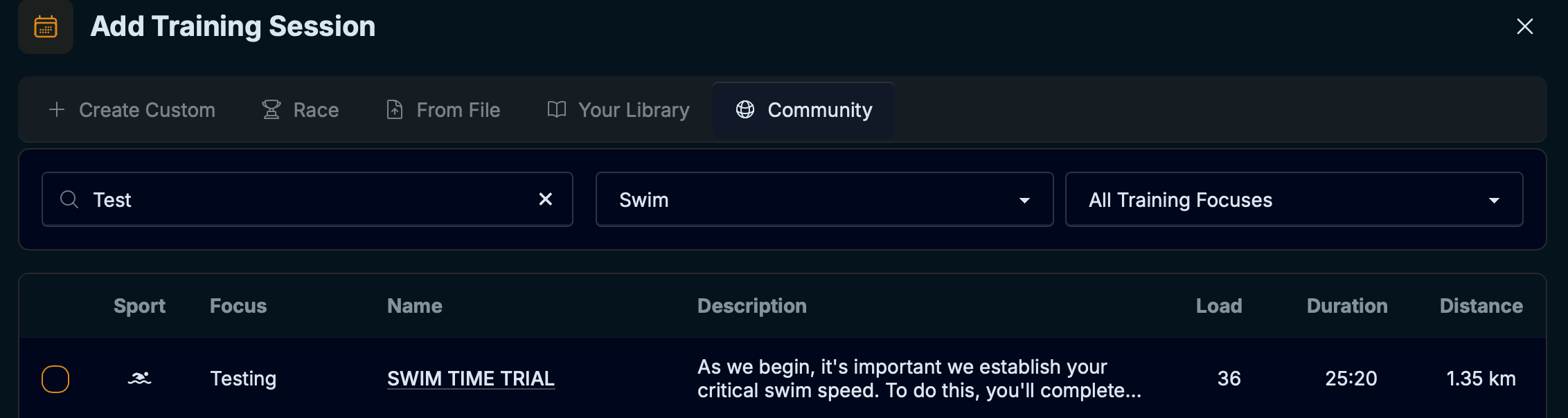
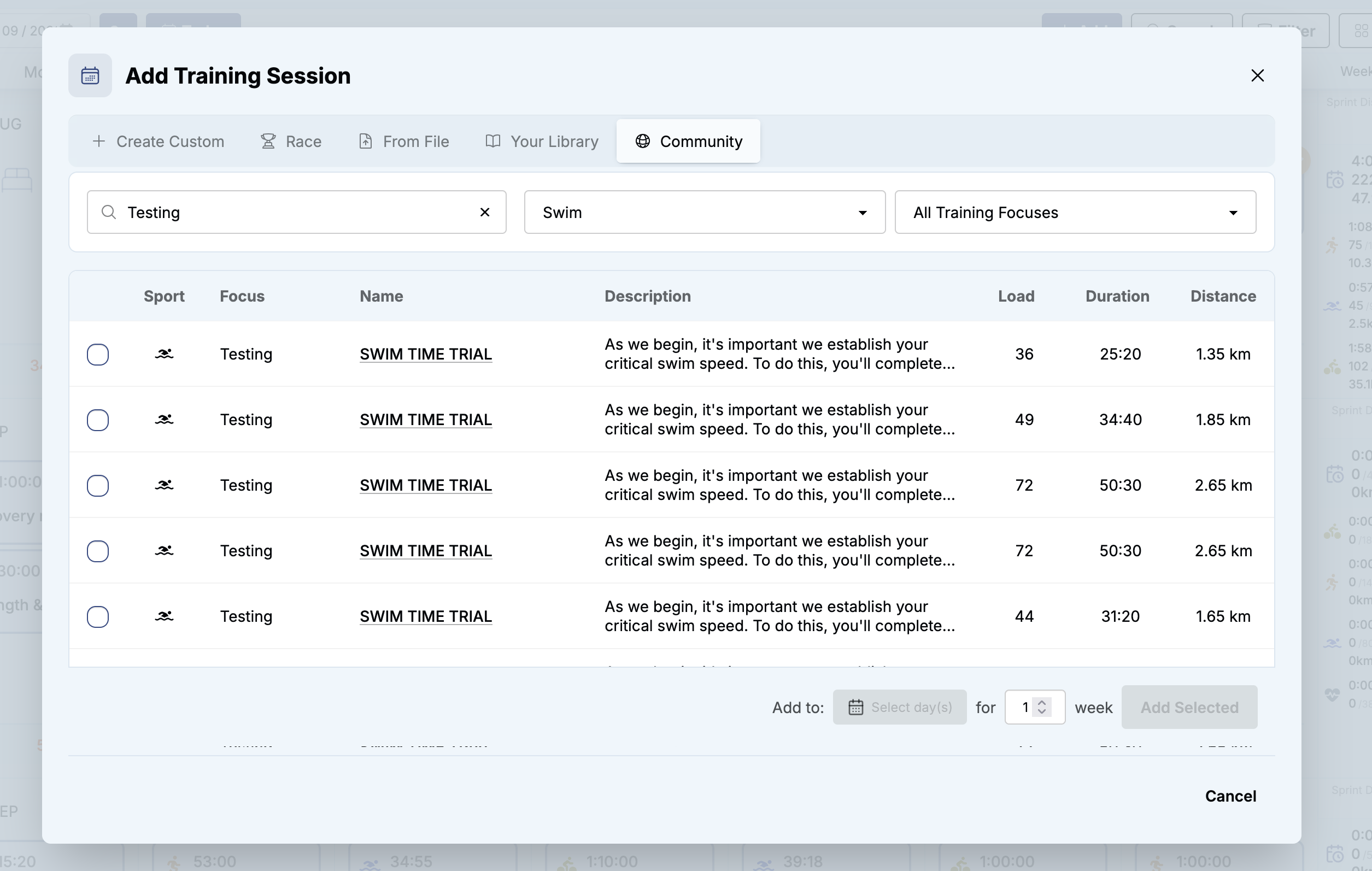
If you are confident about your threshold, by all means, just type it in. As you start training, the system is always detecting improvements. If it has been a long time since last swim test, I would recommend a swim test. You can find all test sessions in the Community library. In your calendar view, hit Add-Community and search for “Testing” filter by sport “Swim”
HI @Marjaana ,
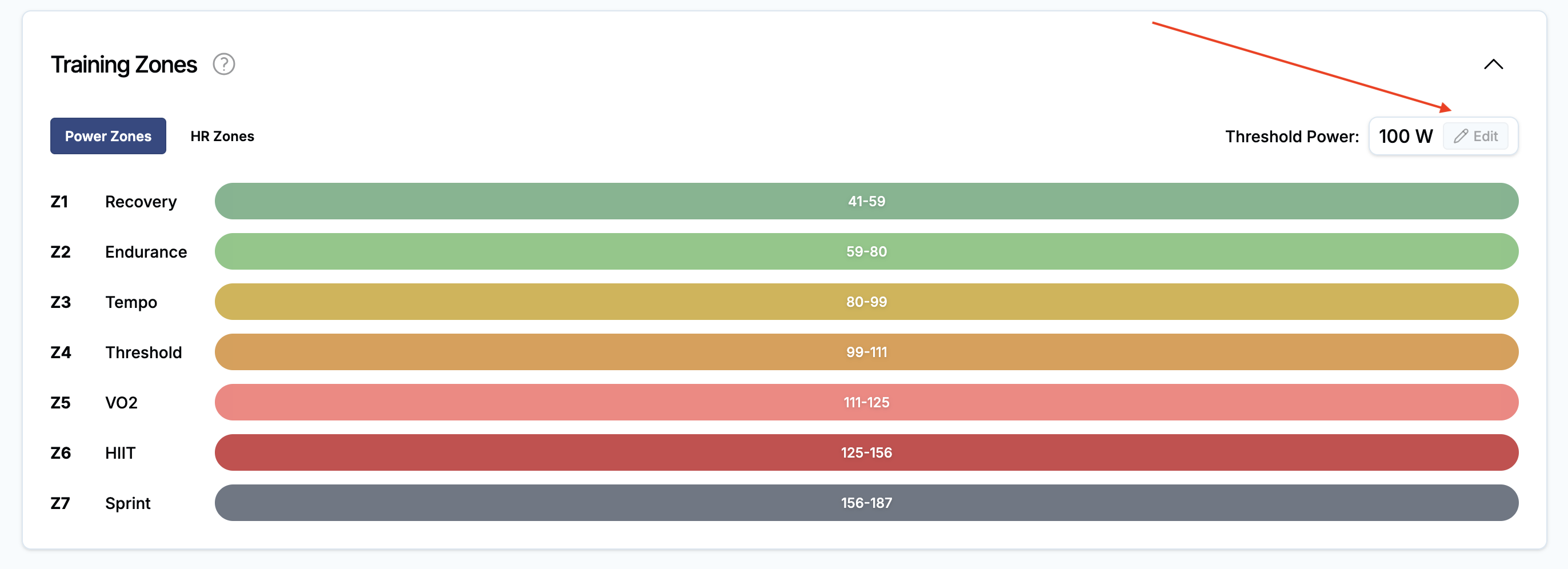
Thanks a lot for your response. Indeed, I do have Edit button, it’s just it has a grey color when using light theme and I just didn’t see it.
As you start training, the system is always detecting improvements.
Will it also detect that I’m too slow for the current threshold? So If I just do nothing will it adapt automatically the workouts with the time or I need to make the changes or the test swim?
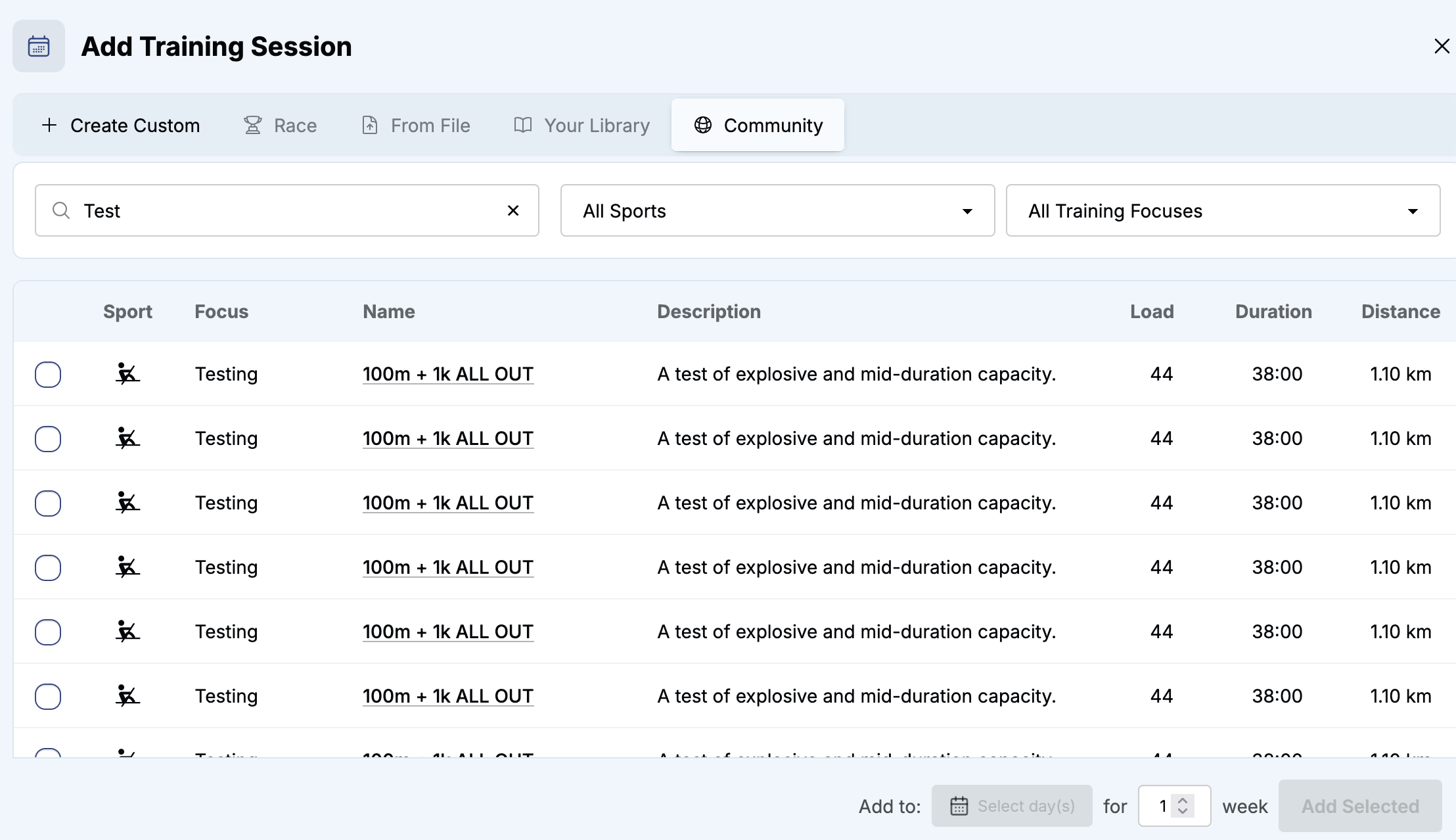
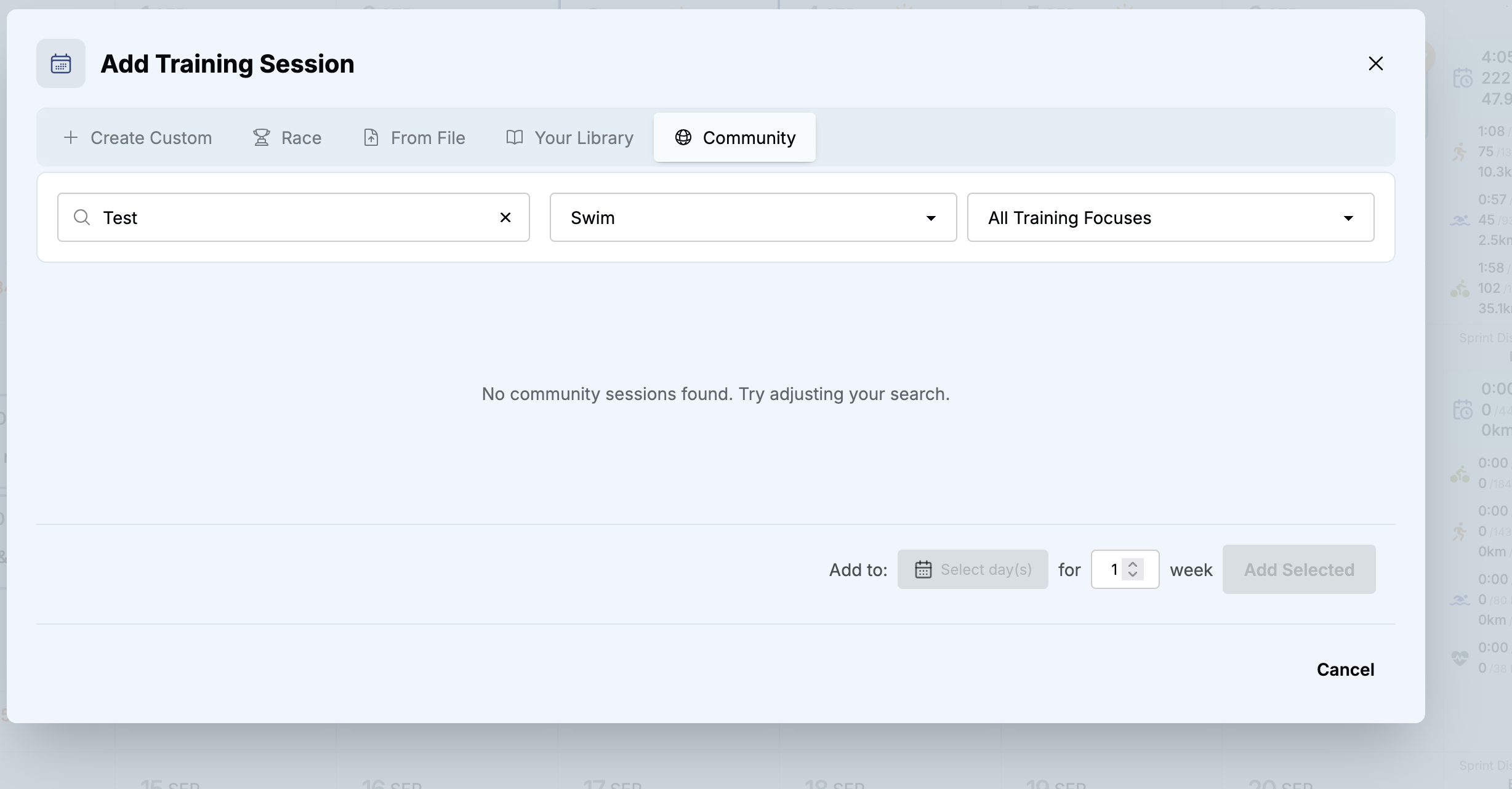
Also thanks for the threshold workout, I did search for it using “Test” keyword and it didn’t work on all the categories. When I filter by the sport it does not work:
Yes, threshold detection scans your sessions every night for new updated best efforts over the last 6 months. We are working on this are right now and will improve the way threshold changes are communicated. For example, you will be notified if you do a test and your threshold is slower than the current one. So you will get a prompt that your threshold has gone down 250w->220w.
Actual detraining may be a little harder to surface because our threshold detection time interval is so long (6 month).