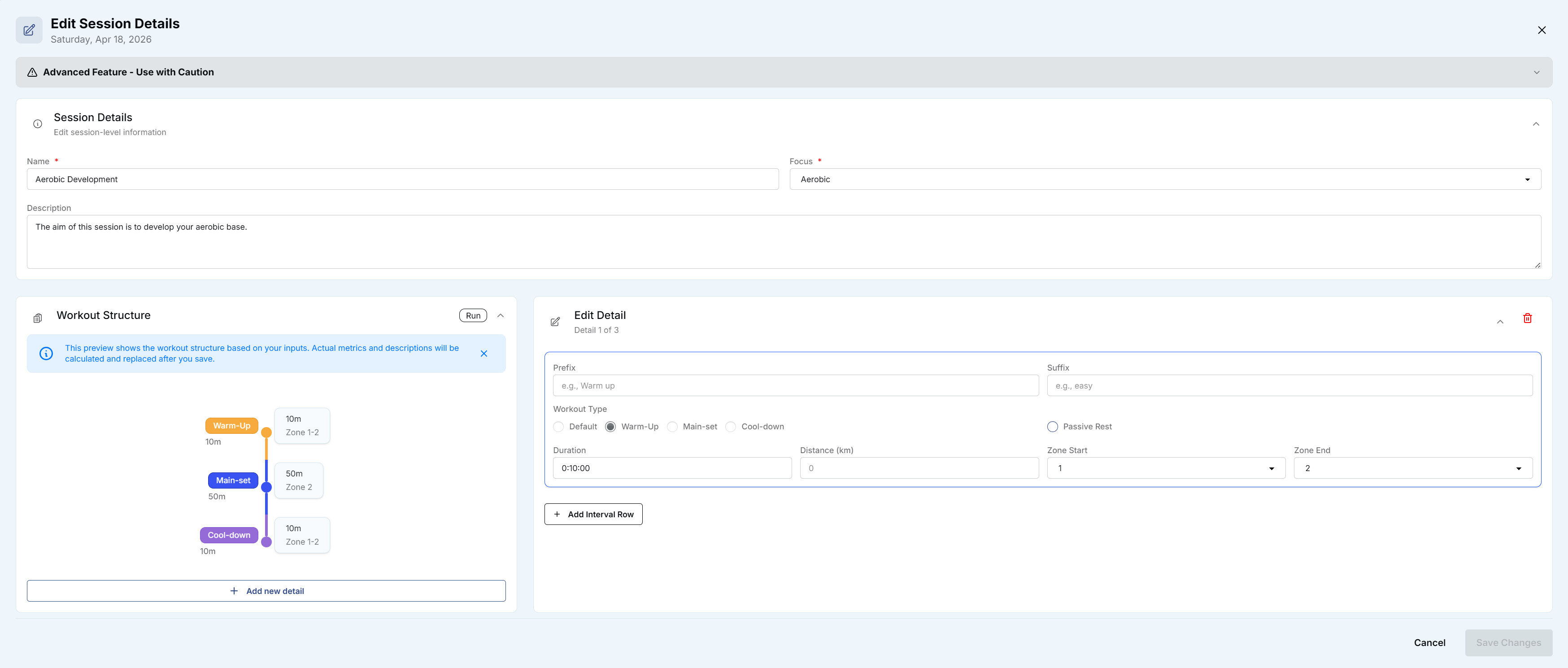
Hi - I am unable to figure out in the new UI how to edit the length of the main set of my workout: the edit panel defaults to the first detail (i.e. the warm up) and I cannot find how to swtich it to the next pat, which is what I want to edit (see the screenshot of what I see).
I am runnign the Brave (v 1.89.132) browser on Windows, but the same applies to iOS.
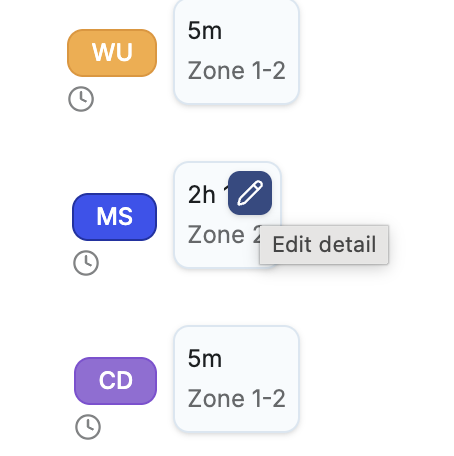
On Windows hover your mouse pointer over the grey area as above and you’ll see the pencil icon. Click that pencil icon for the parts of the workout you wish to edit. Then click save once you editted everything you want to.
I have not found it works on iOS and avoid trying to edit anything on my iPad.