After uploading a workout and entering my RPE, I sometimes see a message in the top right saying “update failed.” Is this just a temporary backend delay (i.e., should I wait a bit and try again later), or does it indicate a real problem with the upload or analysis? The workout itself seems to be there, but I’m not sure whether the RPE is actually processed. Thanks a lot for any insight!
1 Like
Hello @kjwalter
you need to go through the plan builder again, unfortunately.
MJ
1 Like
Hi Maraana, the “update failed” message has now disappeared. I’ve seen this issue once before and rebuilt my plan back then, which resulted in two Base weeks being inserted.
My concern is that if I run the Plan Builder again, I might keep getting rotated back into additional Base phases instead of progressing forward.
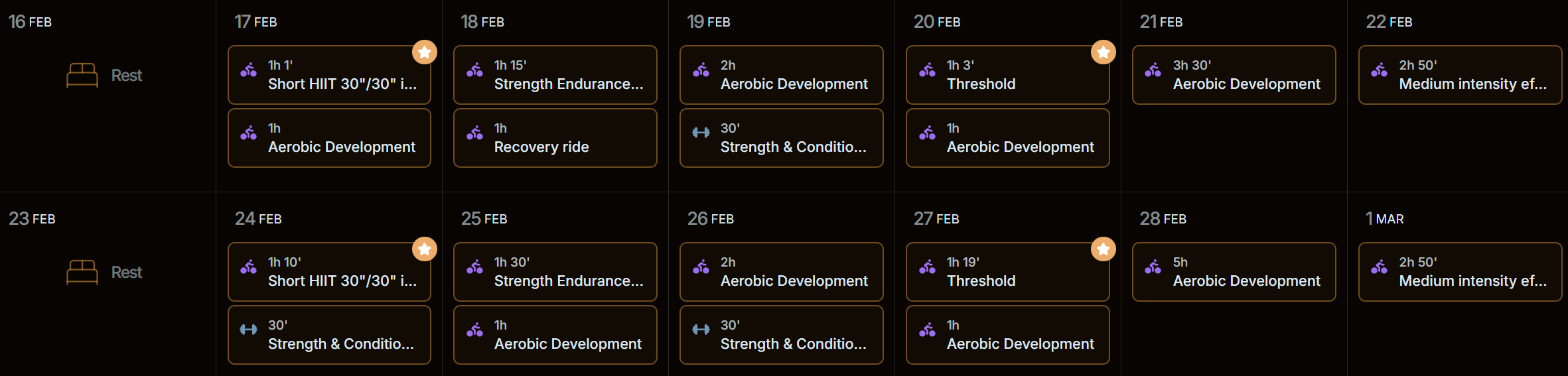
One more question: I’m also often seeing two (or sometimes more) workouts scheduled on the same day. Is that intended behavior?
Appreciate your help, k
2 Likes
HY @Marjaana ! I have a similar problem

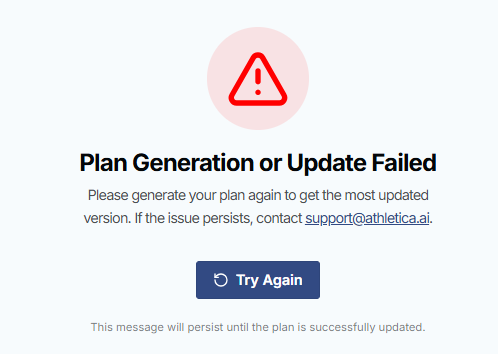
then if I click on “Update failed”
then if I click on “Try Again“, set the new plan variables and click on “Save & Generate“ I get:

Thanks
F
2 Likes
Solved by ending the current plan, waiting for all the old planned workout to be cleared and recreating the plan from scratch
1 Like